Group AI conversation for brainstorming
Updated: September 22, 2026
A brainstorm with one AI assistant is a list. A brainstorm with a group is a conversation: one idea gets picked up, questioned, and turned into a better one. AI Group Call gives you that group on your phone. Type a goal, and two to eight AI participants join a live voice call with you, each with a role and a point of view chosen for what you are working on.
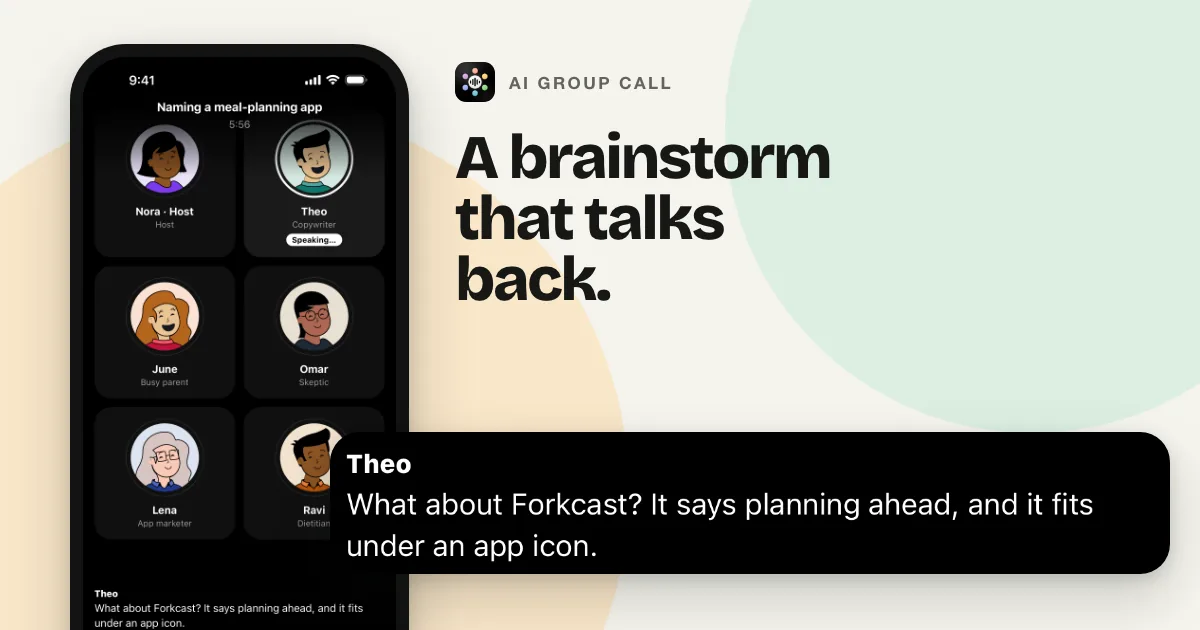
What a brainstorming call looks like
- Start with the goal, not a prompt. "Names for a meal-planning app." "Ways to get the first ten customers." "Pressure-test my plan to go freelance." The app writes a cast around it: a host who keeps the round moving, participants with different roles, and, for rooms of four or more, the cast is written to include at least one skeptic.
- The room talks, not just you. Participants speak one at a time. Each one is given the whole conversation so far, so they answer each other as well as you. When you go quiet, they keep going for a couple of rounds, then hand the floor back.
- Steer by speaking. Start talking and whoever is speaking stops. Ask for more on one idea, shut down a tangent, or move to the next question.
- Swap a perspective mid-call. If you need a customer's view instead of a marketer's, edit that participant's name, role, or personality during the call.
- Bring the material. Type in Chat when a name or a number is easier to spell than to say. On a paid plan, share up to three screenshots or photos per message and the group discusses what it sees.
Picking the room size
You choose between two and eight AI participants for each call, and the app remembers your last choice. Two participants with clearly different viewpoints suit a quick back and forth on one decision. Six, the default, gives a spread of roles. Eight is the widest range of angles on an open question. Whatever the size, one minute of call time costs one minute, so a bigger room does not cost more.
Keeping what came out of it
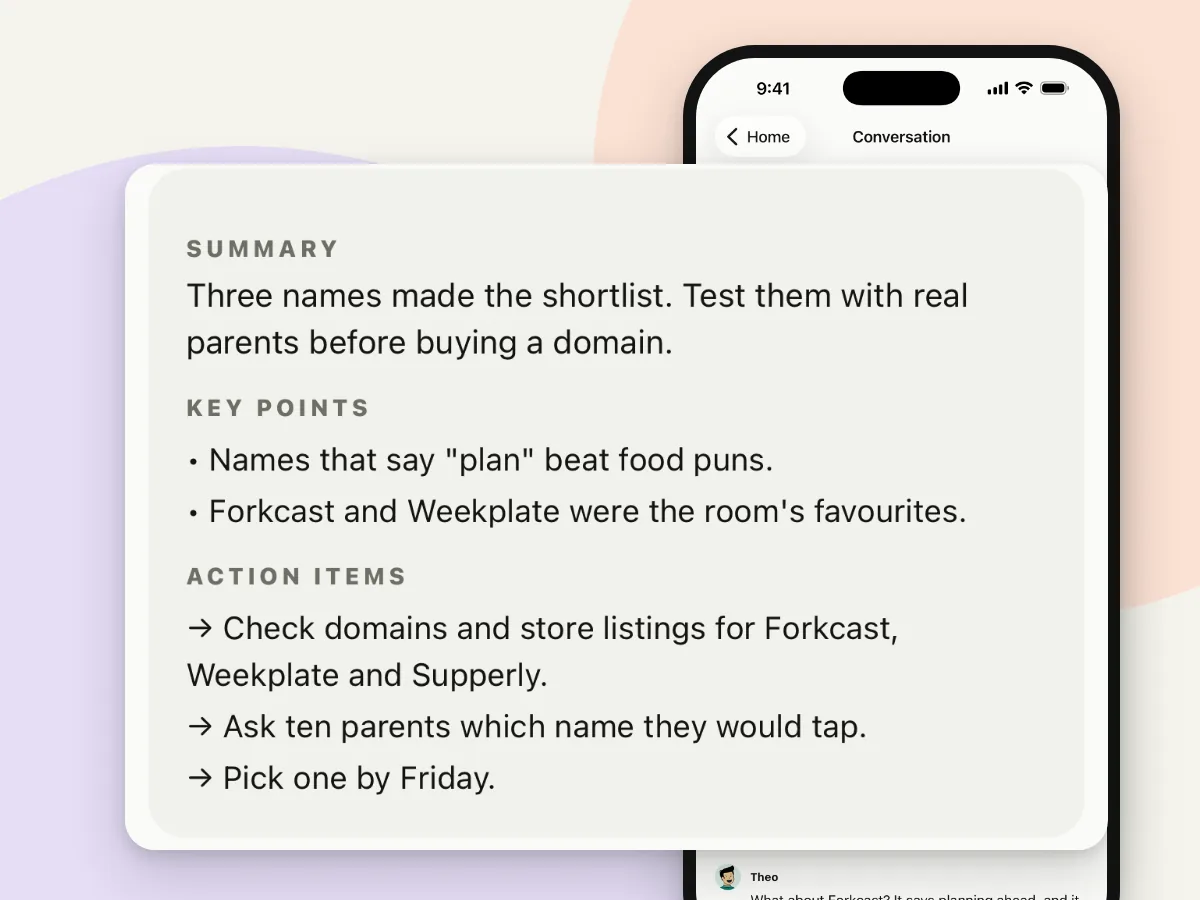
The whole call is saved in History, including typed messages and shared images. Open it to read the transcript, or tap once for a summary with key points and action items. When you have more to work through, Join again brings the same cast back with the earlier conversation in front of them, so the second session starts where the first ended. Participants in later calls are also told a few things the earlier cast learned about you; you can clear that memory in Settings.
Getting more out of a session
- Give the goal a constraint. "Names under ten letters" or "ideas that cost nothing" gives the cast something concrete to work with.
- Pause when you need to think. The call and the clock both stop until you resume.
- Let the participants finish a round before you jump in; the second or third reply often builds on the first.
- Talk in your own language. Calls run in 15 languages, and the cast is written in the one you pick or the one your goal was typed in.
Questions
How long does a brainstorming call last?
A single call runs up to 30 minutes. Pausing stops the clock. New accounts get three minutes of call time free in total; monthly plans add 30, 60, 90, or 120 minutes. See the plans.
Can I keep the ideas after the call?
Yes. The call is saved in History with its full transcript. Open it for a summary with key points and action items, and use Join again to continue with the same cast later.
Can I brainstorm by typing instead of speaking?
Yes. Open Chat during the call to type to the same group and read the conversation. Call time keeps running while Chat is open unless you pause.
Try it
Three minutes free per new account, no card required. Get it on Google Play or download it on the App Store. If you are comparing this with running several chats side by side, read Talk to multiple AIs at once, in one call.