Talk to multiple AIs at once, in one call
Updated: September 23, 2026
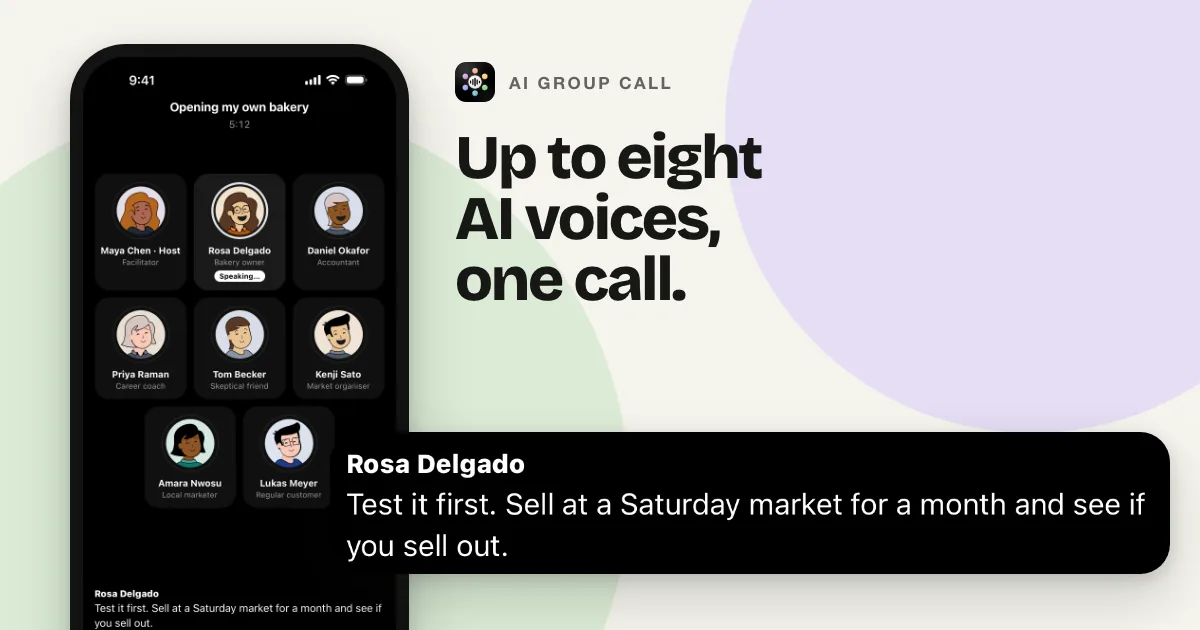
Asking several AI assistants the same question usually means several open chats, copy-paste between them, and no way for one answer to react to another. AI Group Call puts up to eight AI participants in one live voice call instead. They hear the same conversation, answer each other, and stop the moment you start talking.
The problem with side-by-side chats
Chat tools that show more than one model at once still treat each model as its own window. You type once and read several replies in parallel, but none of the replies knows the others exist. If you want a second opinion on the first answer, you copy it into another chat and ask again. Keeping three or four of those threads straight is work you are doing on the models' behalf, and it is the part people complain about.
A conversation is a different shape from a comparison. When you talk something through with a group of people, nobody reads the same prompt in separate rooms. They hear each other, push back, and change their minds. That is the shape AI Group Call is built around.
What happens in one call
- You type a goal. "Help me price my app." "Practice my interview." "Should I take this job?" The app writes a cast for that goal: a host who keeps the round moving, plus participants with different roles and viewpoints. For rooms of four or more, the cast is written to include at least one skeptic.
- You pick the voices or the models. Use the standard cast written for your goal, or open the Models tab and put models from different companies in the room: Claude, GPT, Gemini, Grok, Qwen, DeepSeek, and more. Each model writes its own replies and hears what the others said.
- You pick the room size. Two to eight AI participants. Six join by default, and the app remembers the size you last used.
- Everyone hears everything. Before each turn, a participant is given the whole conversation so far, including what the other participants said. Replies build on, question, or disagree with what came before.
- One person speaks at a time. The app decides who answers next based on what was just said. When you go quiet, the participants carry on among themselves for a couple of rounds, then leave the floor to you.
- You interrupt by talking. Start speaking and whoever is talking stops. You do not tap anything to get the floor back.
- One transcript. Voice, typed Chat messages, and shared images all go into the same saved conversation. There is nothing to paste between windows.
You stay in charge of the room
- Change a participant mid-call. Edit a participant's name, role, or personality while the call is running. The rest of the cast stays where it is.
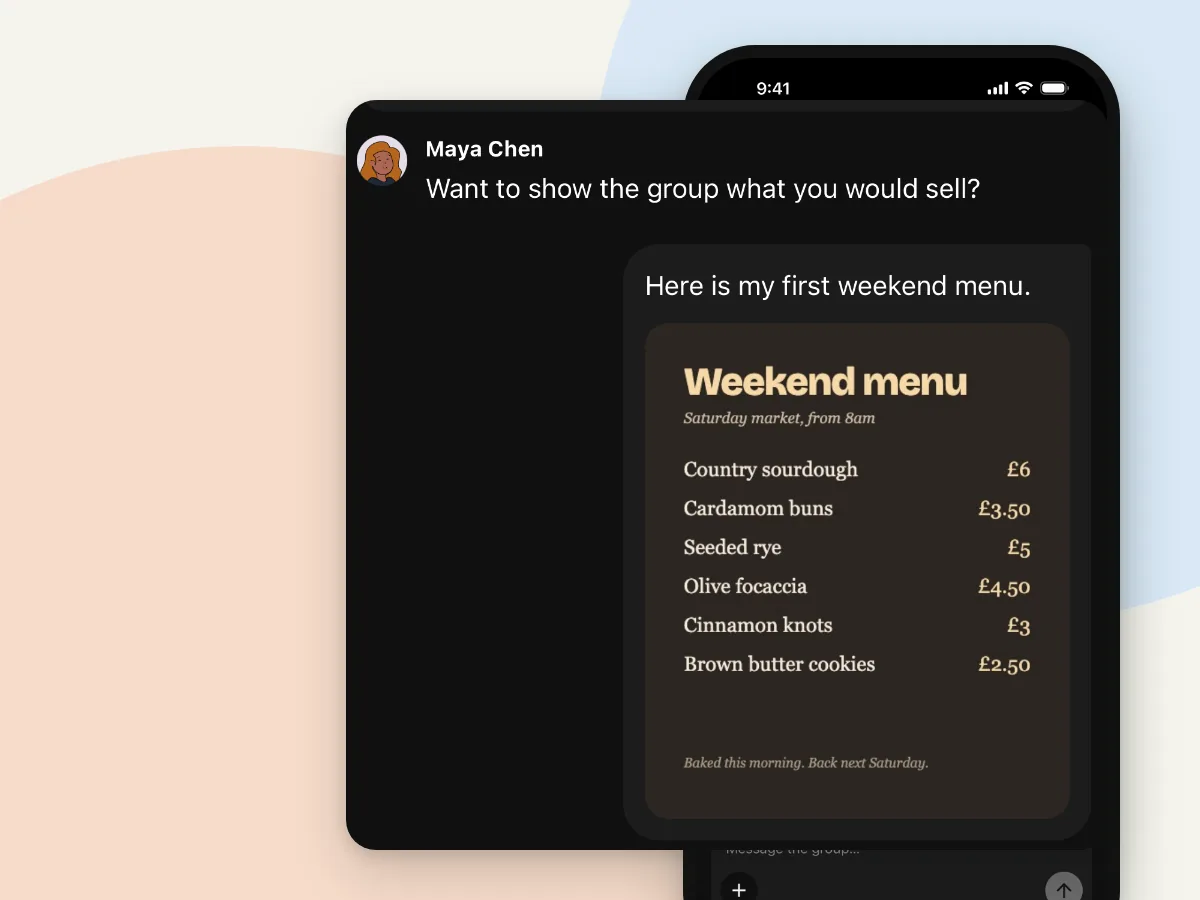
- Type when you would rather not talk. Open Chat to send a message to the same group and read along with the live conversation.
- Show the group something. On any paid plan you can share up to three screenshots or photos per message, and the participants discuss what they can see.
- Pause the call and the clock. Take a moment to think or draft a message. Your minutes pause too.
- Speak your language. Calls run in any of 15 languages, including English, Spanish, Portuguese, French, German, Hindi, Arabic, Japanese, and Korean. The cast is written in the language you pick, or in the language your goal was typed in.
What you leave with
Every call is saved in History. Open it to read the full transcript, or tap once for a summary with key points and action items. If you want to continue later, Join again brings back the same cast with the earlier conversation in front of them. Participants in later calls are also told a few things the earlier cast learned about you, so you do not start from zero each time. You can clear that memory from Settings.
What it is not
It is a phone app for iPhone and Android, not a desktop tool. A single call runs up to 30 minutes, and call time is metered: new accounts get three minutes free in total, then monthly plans from 30 to 120 minutes. See the plans.
Questions
How many AI participants can join one call?
Between two and eight. Six join by default. You choose the room size when you start a call, and the app remembers your choice.
Do the participants hear each other?
Yes. Every participant is given the whole conversation so far before each turn, so a reply can build on or disagree with what someone else just said. They speak one at a time, and the app picks who answers next.
Are the participants different AI models?
They can be. On the Models tab you pick models from different companies, such as Claude, GPT, Gemini, Grok, Qwen, and DeepSeek, and each seat's replies are written by that model and spoken aloud. Or use the standard cast: AI voices with different roles, personalities, and viewpoints written for your goal.
Try it
Three minutes free per new account, no card required. Get it on Google Play or download it on the App Store. For a walkthrough of a brainstorming call, read Group AI conversation for brainstorming.